
CPU Bottleneck at 1080p vs 1440p vs 4K: Does It Matter? (2026)
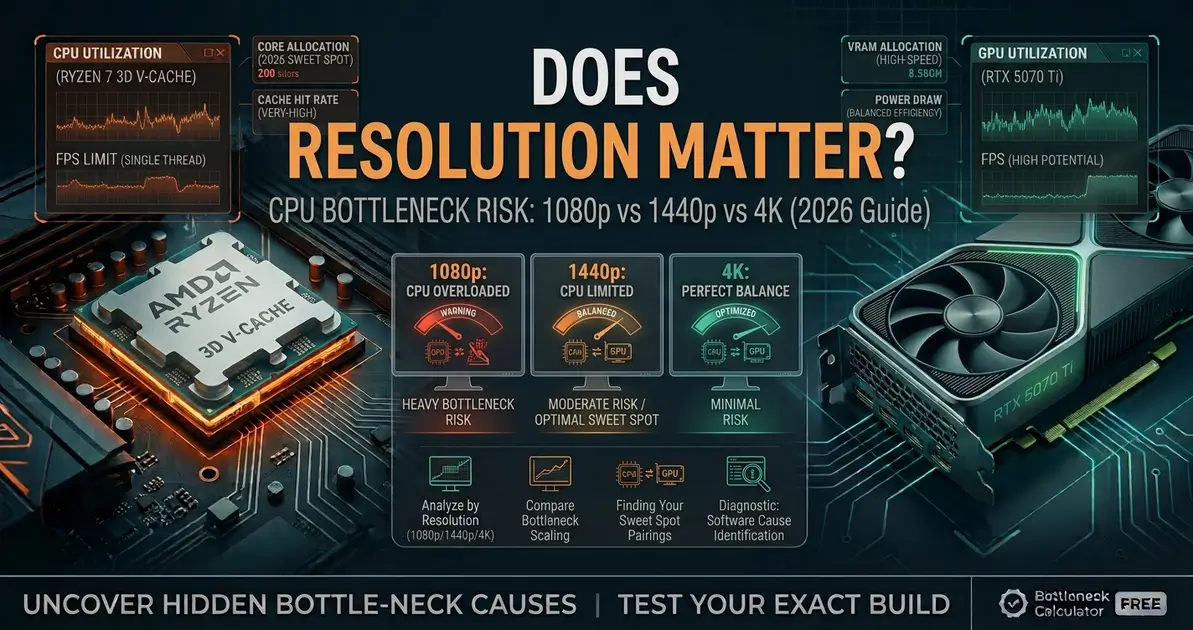
One of the most common questions after picking a CPU and GPU pairing isn't about the hardware itself — it's about resolution. Does a CPU bottleneck actually get worse or better depending on whether you play at 1080p, 1440p, or 4K? The short answer is yes, dramatically — and understanding why changes how you should think about upgrades. This guide breaks down exactly how bottleneck risk shifts across resolutions and what that means for your specific build.
Quick Answer
Yes, resolution significantly affects CPU bottleneck. At 1080p, the GPU renders frames quickly, so the CPU has to supply game logic and draw calls at a much faster rate — this is where CPU bottlenecks show up most. At 1440p, the workload shifts more evenly between CPU and GPU. At 4K, the GPU is working so hard per frame that it becomes the dominant limiting factor in almost every case, and CPU choice matters far less. This doesn't mean a weak CPU is fine at 4K forever — it means the GPU is currently the bigger constraint. Use the bottleneck calculator to see exactly where your build sits at your resolution.
Why Resolution Changes Where the Bottleneck Sits
A CPU bottleneck happens when the processor can't prepare frames — game logic, physics, AI, draw calls — fast enough to keep the GPU busy. A GPU bottleneck is the opposite: the GPU takes longer to render each frame than the CPU takes to prepare it.
Resolution doesn't change how hard the CPU has to work — a CPU preparing a frame does roughly the same amount of work whether that frame will be displayed at 1080p or 4K. What changes is how long the GPU takes to render that frame. Think of the CPU as a professor handing out assignments and the GPU as a student completing them: at 1080p, the "assignment" is short, so the student finishes fast and is constantly waiting on the next one — the professor becomes the pace-setter. At 4K, the assignment is much larger, so the student takes far longer per task, and the professor has plenty of time to prepare the next one. The professor (CPU) isn't working any harder — the student (GPU) simply takes longer, which hides any CPU limitation.
CPU Bottleneck Risk by Resolution
| Resolution | CPU Bottleneck Risk | What's Actually Happening |
|---|---|---|
| 1080p | High | GPU renders frames fast, so the CPU must supply data at a high rate — this is where CPU tier matters most, especially at high refresh rates |
| 1440p | Medium | The workload balances more evenly; a strong CPU still matters in demanding or CPU-heavy titles, but the gap narrows compared to 1080p |
| 4K UHD | Low | The GPU is heavily loaded per frame and becomes the dominant limiting factor in nearly all titles — CPU differences shrink toward negligible |
| Ultrawide / 5K2K | Low | Similar pixel-count demand to 4K — GPU-bound in most scenarios |
Real-World Example: Same CPU, Different Resolutions
A commonly cited comparison illustrates this well: a high-core-count CPU can be around 7% faster than a mainstream six-core CPU at 1080p in a demanding title, paired with the same GPU. At 4K, that gap shrinks to roughly 2% — because the GPU is now doing so much per-frame work that it, not the CPU, decides the frame rate. This is exactly why buying an expensive flagship CPU purely for 4K gaming often provides little to no benefit over a more affordable mid-range chip — but the same expensive CPU can make a real difference if you play competitively at 1080p or plan to upgrade your GPU later.
Is a GPU Bottleneck Bad at 4K?
No — a GPU bottleneck at 4K is actually the expected and healthy outcome. It means your most expensive, hardest-working component (the GPU) is the one determining your frame rate, not an underpowered CPU sitting idle. A GPU bottleneck is also easy to address: lower a few settings, reduce resolution, or upgrade the GPU, and frame rate responds predictably. A CPU bottleneck is harder to fix at the settings level, because lowering graphics quality doesn't reduce the CPU's workload — only lowering resolution, capping frame rate, or upgrading the CPU actually helps.
Does This Mean CPU Doesn't Matter at 4K?
Not entirely. Two important exceptions are worth knowing:
- 1% lows and frame times: average FPS can look similar between CPUs at 4K, but a weaker CPU can still produce worse frame time consistency — the stutters and micro-hitches that make a game feel less smooth even when the average number looks fine.
- CPU-heavy genres: strategy games, simulations, and dense open-world titles can be CPU-bound at any resolution, including 4K, because their bottleneck comes from simulation complexity (AI, physics, unit counts) rather than pixel count.
- Future GPU upgrades: if you plan to upgrade your GPU in a year or two, a weak CPU that's "hidden" by your current GPU at 4K may become a real bottleneck once the new GPU can render frames faster.
How to Check Where Your Bottleneck Actually Sits
The fastest diagnostic: open MSI Afterburner or GPU-Z and monitor GPU utilization during real gameplay at your actual resolution. If GPU utilization sits at or above 95%, you're GPU-bound — the healthy scenario. If it sits meaningfully below 90% while your CPU usage is high and FPS isn't hitting your target, you're CPU-bound.
A quick secondary test: temporarily lower your resolution while keeping everything else the same. If FPS increases significantly, you were GPU-bound at the higher resolution. If FPS barely moves, your CPU was already the ceiling regardless of resolution.
What This Means for Upgrade Decisions
- Play mostly at 1080p, especially competitively: CPU tier matters a great deal — prioritize a strong gaming CPU over an expensive GPU.
- Play mostly at 1440p: aim for a balanced build — a strong mid-range or upper-mid-range CPU paired with a GPU of matching tier.
- Play mostly at 4K: prioritize GPU spend; a mid-range modern CPU is usually sufficient unless you also play CPU-heavy genres or plan to upgrade the GPU later.
For the full picture on which component to prioritize, see our guide on whether to upgrade your CPU or GPU first. To understand the reverse relationship, see CPU bottleneck vs GPU bottleneck.
FAQ
Does resolution affect CPU bottleneck?
Yes. Lower resolutions like 1080p put more pressure on the CPU because the GPU renders frames quickly and needs a constant, fast supply of data. Higher resolutions like 4K shift the workload to the GPU, which reduces CPU bottleneck risk in most titles.
Is a GPU bottleneck bad at 4K?
No. A GPU bottleneck at 4K is the expected, healthy outcome — it means your GPU, the component doing the most work, is setting your frame rate rather than an underused CPU limiting it.
Does CPU matter at all for 4K gaming?
Somewhat. Average FPS differences between CPUs shrink significantly at 4K, but 1% lows and frame time consistency can still differ. CPU-heavy genres like strategy and simulation games can also remain CPU-bound at any resolution.
Why is 1080p considered "CPU-bound" and 4K "GPU-bound"?
Because at 1080p the GPU finishes rendering each frame quickly, so the CPU must supply new frame data at a much higher rate to keep up. At 4K, each frame takes the GPU much longer to render, giving the CPU comfortable time to prepare the next one.
Should I buy a cheaper CPU if I only play at 4K?
Often, yes — a mid-range modern CPU is usually sufficient for 4K gaming since the GPU is the dominant limiting factor. The exception is if you play CPU-heavy genres, care about 1% lows, or plan to upgrade your GPU in the near future.
How do I know if I'm CPU-bound or GPU-bound at my resolution?
Check GPU utilization in MSI Afterburner or GPU-Z during gameplay. Utilization at or above 95% means you're GPU-bound. Utilization noticeably below 90% with high CPU usage means you're CPU-bound. Use a bottleneck calculator for a quick estimate specific to your exact hardware.
Conclusion
Resolution doesn't change how hard your CPU works per frame — it changes how long the GPU takes to render that frame, which is what determines whether the CPU or GPU ends up waiting. At 1080p, CPU choice matters most. At 4K, the GPU almost always sets the pace, with a few exceptions around 1% lows and CPU-heavy genres. Knowing which side of that line your setup falls on is the key to spending your next upgrade dollar in the right place. Use the bottleneck calculator to check your exact CPU, GPU, and resolution combination.