
RTX 5080 CPU Bottleneck: What to Pair It With (2026)
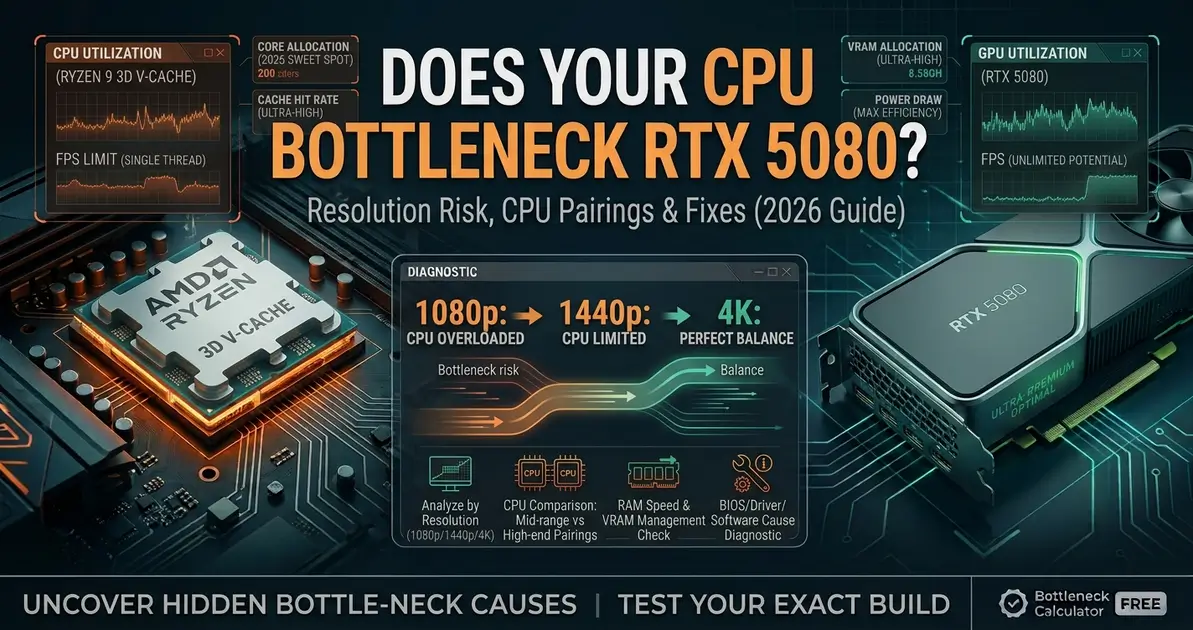
The RTX 5080 is Nvidia's second-tier flagship for 2026 — strong enough at 1440p and capable at 4K that CPU choice becomes genuinely important, especially if you're gaming below 4K or chasing high refresh rates. Pairing it with the wrong processor means the card never stretches its legs. This guide covers which CPUs pair best with the RTX 5080, where CPU bottlenecking actually occurs, and what to do if your current processor is holding it back.
Quick Answer
The RTX 5080 is most likely to hit a CPU bottleneck at 1080p, particularly in CPU-heavy titles and competitive games pushing past 240 FPS. At 1440p — its strongest use case — a good current-generation CPU keeps the GPU fed at 95%+ utilization in most titles. At 4K, the GPU's own workload dominates and CPU bottlenecking becomes negligible. For a balanced pairing, target AMD Ryzen 7 9800X3D, Ryzen 7 7800X3D, Intel Core i7-14700K, or Intel Core i9-14900K. Use the bottleneck calculator to check your specific CPU and RTX 5080 pairing before any upgrade decision.
Does the RTX 5080 Get CPU Bottlenecked?
Yes — with the wrong CPU, the RTX 5080 will encounter a CPU bottleneck that stops it from reaching its true frame rate potential. The processor has to prepare game logic, physics, AI, and draw calls fast enough to keep the GPU saturated. When it can't, GPU utilization drops well below 90% while FPS plateaus regardless of settings — the classic sign of a CPU-limited system.
The RTX 5080 is built to handle 1440p with headroom and 4K with the right settings. At 1080p, particularly in CPU-heavy strategy titles, dense open-world games, or esports titles chasing 240+ FPS, a mismatched CPU can leave real performance on the table — even mid-range CPUs like a Ryzen 5 9600X can lose 10–20% of the 5080's potential frame rate in these scenarios.
RTX 5080 CPU Bottleneck by Resolution
| Resolution | CPU Bottleneck Risk | Notes |
|---|---|---|
| 1080p | Medium–High | CPU-bound titles and 240+ FPS competitive targets are where a weaker CPU shows its limits most clearly |
| 1440p | Low | The RTX 5080's primary target resolution — a strong current-gen CPU keeps GPU utilization at 95%+ in most titles |
| 4K UHD | Very Low | GPU rendering workload dominates; CPU tier barely matters outside path-traced edge cases |
| 4K with heavy path tracing | Negligible | Almost entirely GPU-bound — this is where the RTX 5090's extra compute (not CPU) becomes the differentiator |
Best CPUs for RTX 5080 (Balanced Pairing)
These processors keep the RTX 5080 properly fed at 1080p, 1440p, and 4K across most game types:
| CPU | Platform | RTX 5080 Pairing | Best For |
|---|---|---|---|
| AMD Ryzen 7 9800X3D | AM5 | Excellent | Eliminates CPU bottlenecks entirely and extracts the highest 1% lows — the ideal match |
| AMD Ryzen 7 7800X3D | AM5 | Excellent | Nearly identical to the 9800X3D in gaming — excellent value pairing |
| Intel Core i7-14700K | LGA1700 | Very Good | Strong 1440p and 4K pairing; mild bottleneck possible only at extreme 1080p high-refresh targets |
| Intel Core i9-14900K | LGA1700 | Excellent | Removes essentially all CPU-side limitation, even at 1080p in CPU-heavy titles |
| AMD Ryzen 5 7600X | AM5 | Good | Solid budget AM5 pairing — handles 1440p and 4K well, mild bottleneck at 1080p |
| AMD Ryzen 5 9600X | AM5 | Good | Competent at 1440p and 4K; a 10–20% gap versus X3D chips can appear at 1080p in CPU-bound titles |
CPUs That Will Bottleneck the RTX 5080
| CPU Tier | Bottleneck Level | Most Affected Scenarios |
|---|---|---|
| AMD Ryzen 5 5500 / 5600 | Heavy at 1080p, moderate at 1440p | Can cap GPU utilization to 55–65% at 1080p — costs 25–40% of the 5080's potential frame rate |
| Intel Core i5-10400 / i5-10600K | Moderate at 1080p, mild at 1440p | CPU-heavy open-world and simulation titles |
| AMD Ryzen 5 3600 | Significant at 1080p and 1440p | Older architecture and lower cache limit throughput across most modern titles |
| Intel Core i7-9700K or older | Moderate to significant | Age and core configuration limit performance in current-gen titles |
| Any quad-core CPU | Severe at all resolutions | Modern games expect 6+ cores; quad-cores bottleneck any flagship-tier GPU |
RTX 5080 CPU Bottleneck by Game Type
| Game Type | CPU Bottleneck Risk | Examples |
|---|---|---|
| Competitive / Esports (1080p) | High | CS2, Valorant, Apex Legends — CPU becomes the ceiling above 240 FPS |
| Open World AAA (1080p) | Medium | Cyberpunk 2077, Elden Ring — dense simulation adds CPU pressure |
| Open World AAA (1440p/4K) | Low | GPU carries most of the rendering load; a good current-gen CPU handles this comfortably |
| Strategy / Simulation | High regardless of resolution | Large unit counts and dense AI make these CPU-heavy by design |
| Path-traced AAA (4K) | Negligible | Almost entirely GPU-bound — CPU tier barely matters |
How to Check If Your CPU Is Bottlenecking the RTX 5080
The fastest diagnostic: open MSI Afterburner or GPU-Z and watch GPU utilization during real gameplay. If your RTX 5080 sits below 90% utilization while FPS is below your target — and lowering graphics settings doesn't move the number much — your CPU is likely the limiter.
Secondary test: drop your resolution from 1440p to 1080p and compare FPS. If FPS barely improves despite the lighter GPU workload, the CPU is capping performance from above. If FPS jumps noticeably, the GPU was the limit at the higher resolution.
How to Reduce RTX 5080 CPU Bottleneck
Try these free options before planning a hardware upgrade:
- Enable XMP/EXPO memory profiles: running RAM at its rated speed instead of JEDEC default meaningfully reduces CPU-side bottlenecking, especially on Ryzen platforms
- Close background applications: overlays, recording software, and browser tabs consume CPU cycles that could otherwise feed the GPU
- Lower your FPS target: targeting 240+ FPS at 1080p places far more CPU demand than 144 FPS — reducing the cap often removes the bottleneck without any hardware change
- Raise resolution or graphics settings: shifts more of the workload to the GPU, making the RTX 5080 do proportionally more of the work
- Enable Resizable BAR / Smart Access Memory: reduces CPU-side overhead in supported titles — worth enabling if not already active
For a complete walkthrough of every free fix before considering a hardware upgrade, see our guide on how to fix a CPU bottleneck.
RTX 5080 vs RTX 4090: CPU Bottleneck Comparison
The RTX 5080 and RTX 4090 sit close in real-world performance, and their CPU demands overlap significantly. Both benefit most from an X3D-class CPU at 1080p and 1440p, and both become almost entirely GPU-bound at 4K. If you already own a 4090 and are weighing whether the 5080 is worth the switch, see our RTX 4090 CPU bottleneck guide for the full comparison. If your monitor is 1440p and you're deciding between the 5080 and the step-down RTX 5070 Ti, our RTX 5070 CPU bottleneck guide covers the CPU requirements at that tier too.
Should You Upgrade Your CPU for the RTX 5080?
Whether a CPU upgrade makes sense depends on your resolution and game types:
- 4K gaming: almost any modern 8-core CPU pairs well with the RTX 5080 here — a CPU upgrade is unlikely to noticeably improve 4K performance outside heavy path-traced titles
- 1440p gaming: a Ryzen 7 9800X3D, Ryzen 7 7800X3D, or Core i7-14700K is the sweet spot — weaker CPUs will cap performance in CPU-heavy titles
- 1080p or high-refresh competitive gaming: CPU choice matters most here — pairing the RTX 5080 with a mid-range or older CPU is a clear mismatch
Before upgrading, confirm your current CPU is actually bottlenecking your specific setup. Use the bottleneck calculator to check your exact CPU and RTX 5080 pairing at your target resolution — so you only upgrade what actually needs upgrading.
FAQ
Does the RTX 5080 get CPU bottlenecked?
Yes — especially at 1080p in CPU-heavy titles and high-refresh competitive gaming. At 1440p, its primary target resolution, a strong current-gen CPU handles it well. At 4K, CPU bottlenecking is rare because the GPU's own workload dominates.
What is the best CPU for the RTX 5080?
The AMD Ryzen 7 9800X3D offers the best gaming performance paired with the RTX 5080, eliminating CPU bottlenecks entirely and maximizing 1% low frame rates. The Ryzen 7 7800X3D and Intel Core i7-14700K are also excellent pairings.
Is the RTX 5080 bottlenecked at 1440p?
At 1440p, CPU bottlenecking with the RTX 5080 is low. A Ryzen 7 9800X3D, Ryzen 7 7800X3D, or Core i7-14700K keeps GPU utilization at 95%+ in most titles. Mid-range CPUs like a Ryzen 5 9600X can show a small 5–10% gap in CPU-heavy games at this resolution.
Will a Ryzen 5 5500 bottleneck the RTX 5080?
Yes, significantly. At 1080p and 1440p, a Ryzen 5 5500 can cap GPU utilization to 55–65%, costing 25–40% of the RTX 5080's potential frame rate. At 4K, the gap narrows considerably as the GPU becomes the dominant limiting factor.
How do I know if my CPU is bottlenecking my RTX 5080?
Monitor GPU utilization in MSI Afterburner or GPU-Z during gameplay. If utilization sits below 90% while FPS is below your target, and lowering resolution doesn't significantly increase FPS, your CPU is likely the bottleneck.
What bottleneck percentage is acceptable for the RTX 5080?
A bottleneck percentage below 10% indicates a well-matched CPU and GPU pairing with minimal performance left on the table. Above 15–20% suggests the CPU is noticeably limiting the RTX 5080's output, particularly at lower resolutions and in CPU-heavy titles.
Conclusion
The RTX 5080 is a 1440p powerhouse that also handles 4K well — and at both resolutions, a current-generation CPU like the Ryzen 7 9800X3D or Core i7-14700K keeps it fully fed. CPU choice matters most at 1080p and in CPU-heavy or high-refresh competitive titles; at 1440p and 4K, the GPU itself becomes the natural limiter. Pair the RTX 5080 with a current-generation CPU, enable XMP/EXPO, and use the bottleneck calculator to confirm your specific pairing before committing to any upgrade.