
Does Ryzen 7 9800X3D Bottleneck RTX 5090? Full Guide (2026)
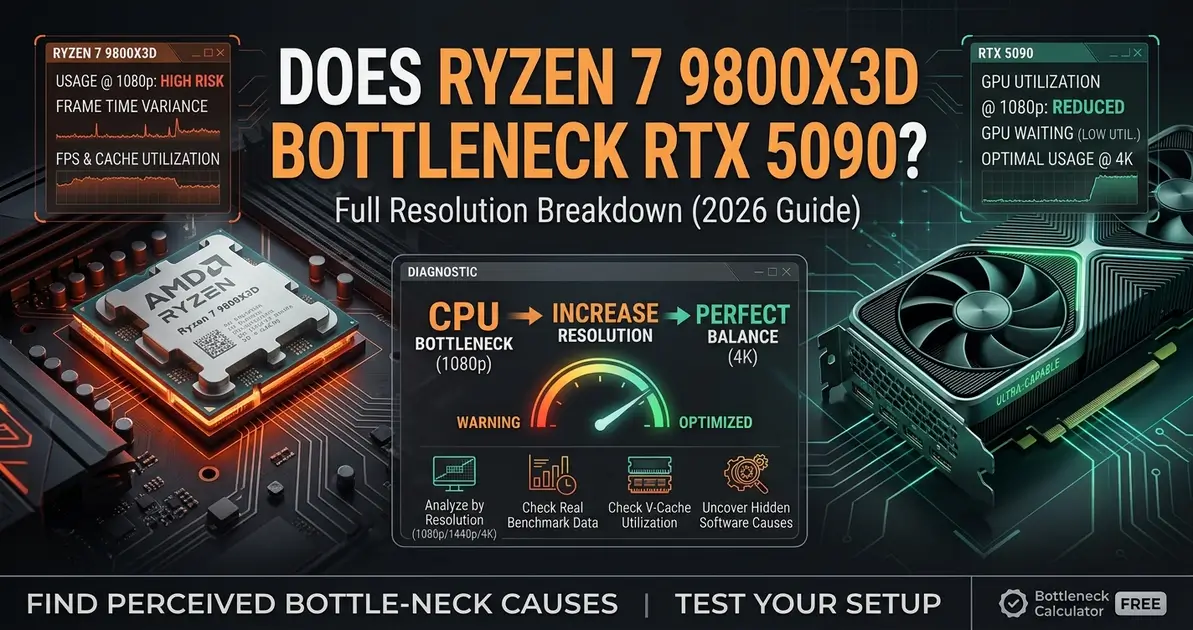
The RTX 5090 is Nvidia's 4K flagship for 2026 — powerful enough that CPU choice becomes the deciding factor in whether you actually see its full frame rate potential, especially below 4K. Pairing it with the wrong processor means the card spends its time waiting instead of rendering. This guide covers whether the Ryzen 7 9800X3D bottlenecks the RTX 5090, where any limitation actually shows up, and what to check if performance feels off.
Quick Answer
No — the Ryzen 7 9800X3D does not meaningfully bottleneck the RTX 5090 in the vast majority of gaming scenarios. It is currently the strongest gaming CPU available, and at 1440p and 4K — where most RTX 5090 owners actually play — the GPU is almost always the limiting factor, not the CPU. The only place you'll see the 9800X3D become a limiter is at 1080p in select esports and CPU-heavy titles, and even then frame rates are typically well past what any monitor can display. Use the bottleneck calculator to confirm your exact build and resolution.
Does the Ryzen 7 9800X3D Bottleneck the RTX 5090?
In practice, no — but it helps to understand why. A CPU bottleneck happens when the processor can't prepare game logic, physics, AI, and draw calls fast enough to keep the GPU fed. When that happens, GPU utilization drops well below 95% while frame rate stays capped, regardless of how powerful the graphics card is.
The 9800X3D's 3D V-Cache gives it a huge advantage in exactly the kind of workload that causes this: games are cache-sensitive, and the 9800X3D has more of it than any other consumer CPU. That's why independent CPU-scaling benchmarks consistently show it keeping the RTX 5090 fed at a higher rate than every other chip on the market, including older X3D parts and Intel's current lineup.
9800X3D + RTX 5090 Bottleneck by Resolution
| Resolution | CPU Bottleneck Risk | Notes |
|---|---|---|
| 1080p | Medium (in select titles) | Esports titles can hit CPU-side frame caps of 400–800+ FPS — a ceiling every CPU hits, not a weakness specific to the 9800X3D |
| 1440p | Very Low | GPU utilization sits at or above 95% in demanding titles; CPU has comfortable headroom |
| 4K UHD | Negligible | Almost entirely GPU-bound — CPU-scaling benchmarks show the 9800X3D, 7600X, and even the older 5800X3D delivering near-identical frame rates here |
| Ultrawide / 5K2K | Negligible | GPU rendering load dominates at this pixel count, same as native 4K |
How the 9800X3D Compares to Other CPUs on the RTX 5090
| CPU | Platform | RTX 5090 Pairing | Notes |
|---|---|---|---|
| AMD Ryzen 7 9800X3D | AM5 | Ideal | The benchmark reference point — no other consumer CPU keeps the 5090 fed more consistently |
| AMD Ryzen 7 7800X3D | AM5 | Excellent | Roughly 5–10% behind the 9800X3D at 1080p; the gap closes almost entirely at 1440p and 4K |
| Intel Core Ultra 9 285K | LGA1851 | Very Good | Competitive multi-thread performance; slightly behind in 1% lows versus the 9800X3D |
| AMD Ryzen 7 5800X3D | AM4 | Good | 10–14% slower than the 9800X3D at 1440p with the RTX 5090; virtually identical at 4K |
| AMD Ryzen 5 5600X | AM4 | Poor | A genuine CPU bottleneck at 1080p and 1440p — GPU utilization can drop to 60–75%; only recommended for 4K-only use |
9800X3D + RTX 5090 Bottleneck by Game Type
| Game Type | CPU Bottleneck Risk | Examples |
|---|---|---|
| Competitive / Esports (1080p) | High (universal ceiling) | CS2, Valorant, Rocket League — frame rates exceed 400+ FPS; the 9800X3D still leads every other CPU here |
| CPU-heavy simulation | Low–Medium | Cities: Skylines 2, Microsoft Flight Simulator — the 9800X3D's cache advantage shows its biggest lead here |
| Open World AAA (1440p/4K) | Very Low | Cyberpunk 2077, Star Wars Outlaws — GPU carries most of the load at these resolutions |
| Path-traced AAA (4K) | Negligible | Ray tracing–heavy titles are almost entirely GPU-bound; CPU tier barely matters |
If You're Seeing Poor Performance Anyway
If your RTX 5090 feels slow despite pairing it with a 9800X3D, the CPU is very rarely the actual cause. Check these first:
- PCIe slot: make sure the GPU is running on the CPU's native PCIe x16 slot, not a chipset-fed x4 slot often used for extra M.2 storage
- RAM speed: the 9800X3D depends heavily on fast memory — running DDR5 at default JEDEC speeds instead of EXPO-enabled 6000MHz+ can quietly cost significant frame rate at 1080p and 1440p
- Power limits: some motherboards apply conservative auto power limits out of the box, capping boost clocks
- Background tasks: overlays, recording software, and browser tabs steal CPU cycles that would otherwise go to the game
- Game settings: some "bottlenecks" are really just settings issues — ray tracing pushed too high for the resolution, or an upscaler set incorrectly
For a complete walkthrough of every free fix before considering a hardware change, see our guide on how to fix a CPU bottleneck.
RTX 5090 vs RTX 4090: Does the CPU Requirement Change?
The RTX 5090's extra shader and memory bandwidth over the RTX 4090 means it leans on the CPU slightly more at 1440p to fully stretch its legs — but the 9800X3D is the one CPU on the market built to answer that demand. If you're deciding between the two cards, or already own a 4090 and are weighing the upgrade, see our RTX 4090 CPU bottleneck guide for the full comparison.
Should You Upgrade Your CPU for the RTX 5090?
Whether a CPU upgrade makes sense depends entirely on what you're currently running:
- Already on a 9800X3D or 7800X3D: there's no meaningful CPU upgrade available today that would improve this pairing further — faster RAM will do more than a different chip
- On an older AM4 X3D chip (5800X3D): the gap is small at 1440p and negligible at 4K — only worth upgrading if you play mostly at 1080p in CPU-heavy titles
- On a pre-Zen 4 non-X3D CPU: this is where a real bottleneck exists at 1080p and 1440p — an upgrade to the 9800X3D will show a clear, measurable gain
Before spending on an upgrade, confirm your current CPU is actually the limiting factor. Use the bottleneck calculator to check your exact CPU and RTX 5090 pairing at your target resolution.
FAQ
Is the Ryzen 7 9800X3D enough for the RTX 5090?
Yes. It's currently the highest-performing gaming CPU available and is widely considered the ideal pairing for the RTX 5090, especially at 1440p and 4K.
What resolution is best for a 9800X3D and RTX 5090 build?
1440p and 4K are where this pairing performs best, since the GPU becomes the primary limiting factor and the CPU has plenty of headroom to spare.
Will I see a bottleneck at 1080p with this combo?
Only in the sense that frame rates can exceed what most monitors can display in competitive titles. This isn't a weakness of the 9800X3D — it's the strongest CPU available at this resolution too.
What's a better upgrade if I already have a 9800X3D and want to remove any remaining bottleneck?
There isn't a meaningful CPU upgrade path that would improve this pairing further today. Faster RAM (higher MHz, tighter timings) with EXPO enabled will have more impact than a different CPU.
How do I check my exact bottleneck percentage?
Use our bottleneck calculator and enter your CPU, GPU, resolution, and RAM to get a personalized estimate.
Conclusion
The Ryzen 7 9800X3D and RTX 5090 is currently the closest thing to a perfectly balanced high-end build available. At 1440p and 4K — where this GPU is meant to be used — the CPU has headroom to spare and the graphics card does almost all the work. At 1080p, any "bottleneck" you see is a ceiling every CPU hits, and the 9800X3D still clears it further than anything else on the market. Pair it with fast, EXPO-enabled RAM, and use the bottleneck calculator to confirm your specific build before making any upgrade decision.